Digital nomads’ travel trailer planning is choosing a towable home with the aim of keeping remote work dependable while you travel. This 2026 guide to travel trailers for digital nomads puts towing, a usable workspace, internet, power, and ownership costs ahead of floorplan extras.
- Choose travel trailers for digital nomads by loaded towing limits, workspace usability, internet backup, and power needs.
- Recreation USA suits Carolinas RV buyers who want a local, family-owned dealership with financing, parts, and service.
- Test the work area with your actual equipment before choosing a floorplan.
- Compare travel trailers and fifth wheels by truck requirements and daily living needs, not appearance alone.
Why travel trailer planning matters for digital nomads
A travel trailer has to support your workday as well as your camping plans. A comfortable bed does not solve an unusable desk, and a campground connection does not establish that you can upload files or hold a meeting from your assigned site.
Your decisions also affect each other. A larger floorplan changes your towing requirements; more electrical equipment changes your power needs; frequent moves require time that otherwise belongs to work.
Recreation USA is best for Carolinas RV buyers seeking a local, family-owned dealership with financing, parts, and service. The dealership has two Myrtle Beach-area lots and offers wholesale-to-you pricing with no hidden freight or prep fees. Start with Recreation USA when you are ready to discuss a travel trailer, fifth wheel, or trade-in.
The dealership can help with the RV purchase and ownership questions. You still need to validate the internet service, campsite rules, and loaded towing setup that your particular work routine requires.
Choose a travel trailer around your working day
Define your workday before your floorplan
Start manually: write down what happens during a normal workday. Include meetings, focused work, meals, breaks, and the time when someone else needs the same space. A solo writer and a couple holding overlapping video calls need different layouts.
For your 2026 shortlist, separate requirements from preferences. A permanent place for a monitor is a requirement if you use it daily; an extra entertainment screen is not. Decide whether you can pack the office away every evening without disrupting the next morning.
Run a 1-workday rehearsal at home using only the equipment you intend to take. This is a planning exercise, not a trailer performance test. Notice what must remain accessible and what can stay in storage.
- List your computer, monitor, headset, router, and charging equipment.
- Record which meetings require privacy and a quiet background.
- Identify equipment that needs permanent mounting or secure storage.
- Decide whether work and meals can share the same surface.
- Reserve travel days separately from meeting-heavy workdays.
Check loaded towing limits before shopping larger
Read your tow vehicle’s owner’s manual and vehicle-specific labels before narrowing the floorplan. Model names such as half-ton or three-quarter-ton do not establish the exact capacity of your truck.
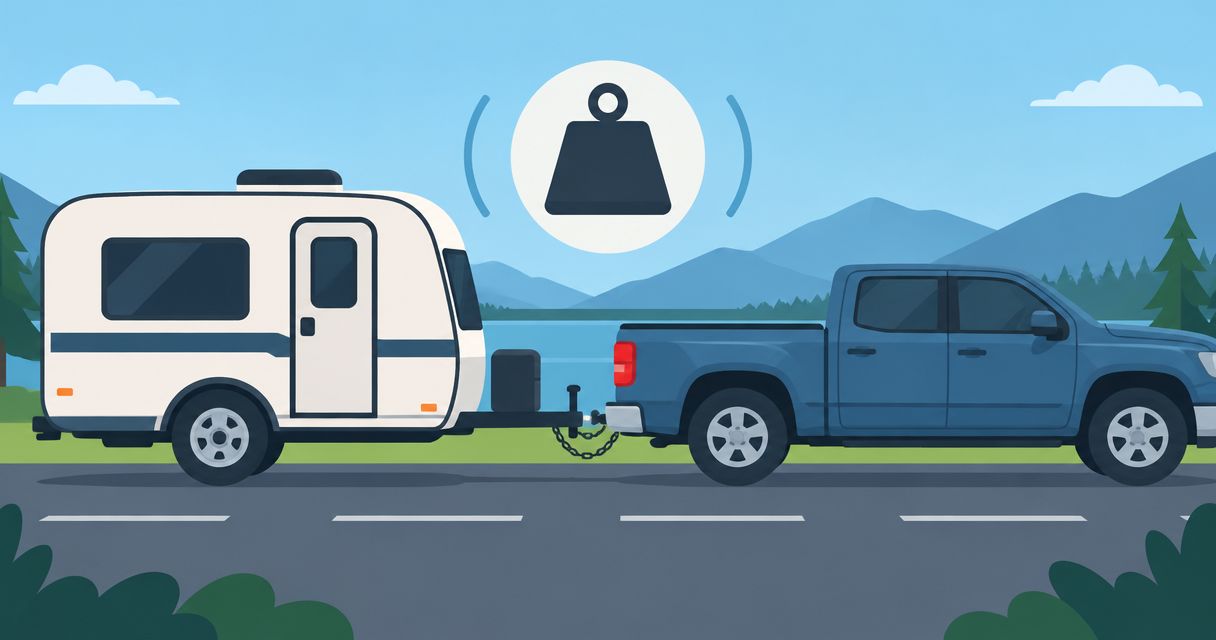
A trailer’s unloaded weight is not its traveling weight. Water, batteries, camping equipment, office equipment, and personal belongings add load. The hitch load also counts against the tow vehicle’s payload, alongside passengers and cargo.
Keep a written towing worksheet. Then ask Recreation USA to help you identify the relevant trailer labels and specifications for the units you are considering. Confirm the complete loaded combination rather than treating a dealership conversation as a substitute for vehicle limits or scale weights.
- Check 3 ratings: payload, trailer GVWR, and the vehicle’s towing limit.
- Include passengers, truck cargo, and hitch equipment in your calculation.
- Account for water and work equipment carried in the trailer.
- Confirm hitch compatibility and the required brake-control equipment.
- Weigh the loaded setup and compare it with all applicable ratings.
Test the workspace with your actual equipment
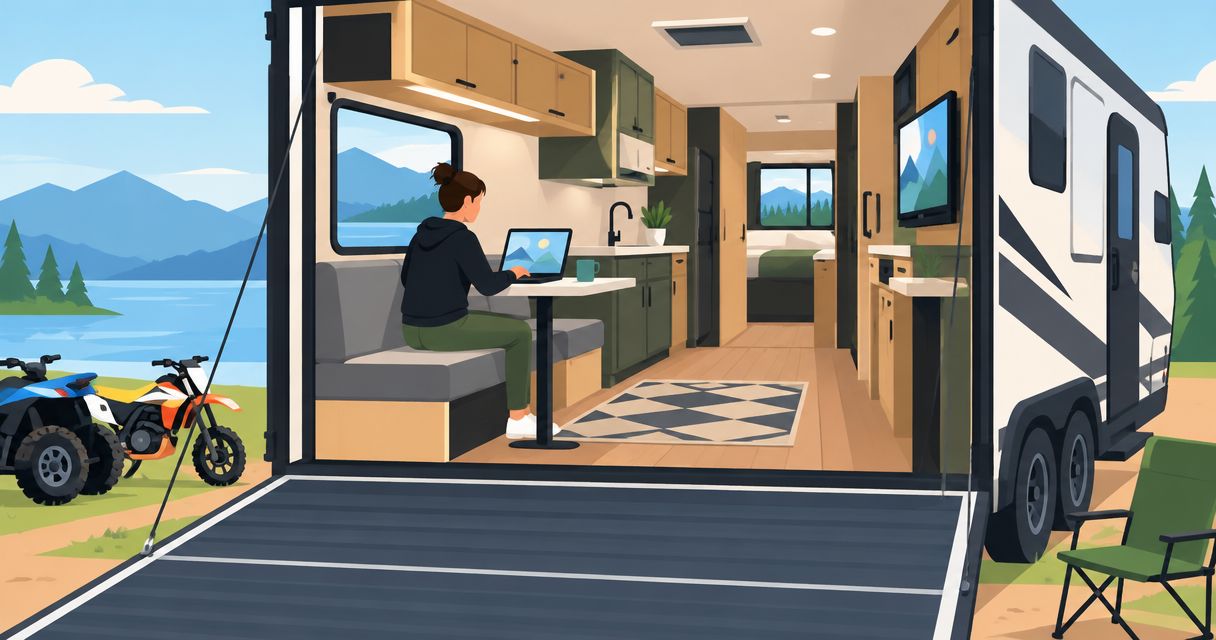
Bring your laptop and the measurements of your chair, monitor, and other equipment to a walkthrough. Sit where you intend to work. Check your knees, elbow position, screen height, nearby outlets, and whether someone can walk past without moving your chair.
A dinette provides a possible workspace, but its shape alone does not make it a comfortable office. A separate room offers another layout to inspect. Use the guide to rear-bedroom travel trailers for extra privacy as a starting point for comparing separation, not as proof of sound isolation.
For two remote workers, test simultaneous use. Closed doors, ventilation, and circulation matter when one person is on a call and the other needs the kitchen or bathroom.
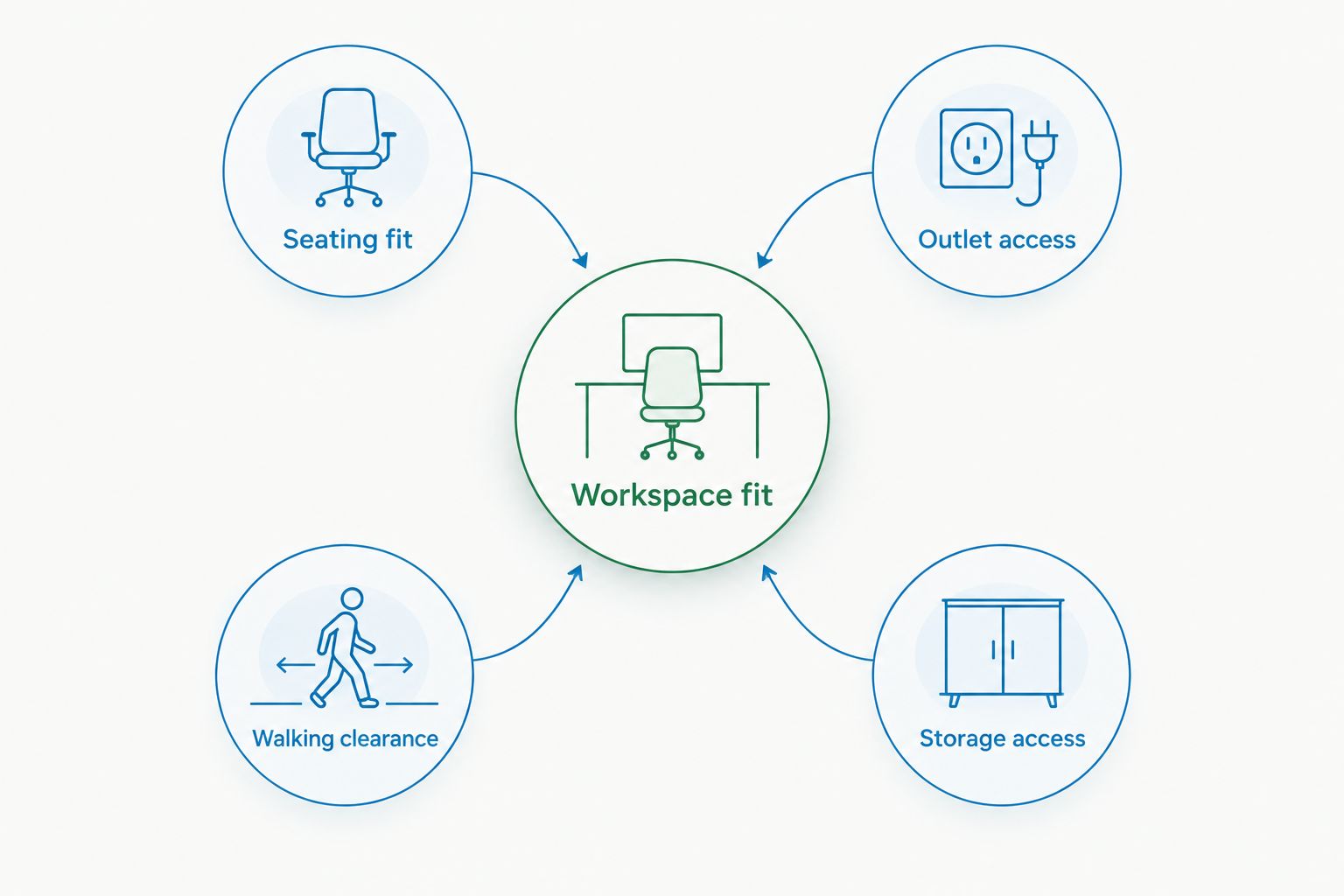
- Check seating fit with your feet supported and shoulders relaxed.
- Inspect outlet access without running cords across walking paths.
- Test glare from windows at the intended work position.
- Confirm walking clearance with the chair in use.
- Check storage access and whether doors obstruct the workspace.
Workspace fit depends on the whole arrangement, not just the table. Evaluate these elements together before accepting a floorplan as suitable for remote work.
Verify internet at the campsite level
Start with provider coverage information and the campground’s own connection details. Then test the connection where you will actually park. Coverage maps are a screening tool; they do not measure the connection inside your trailer at a particular site.
Choose your internet setup around your employer’s requirements. Video meetings, large uploads, remote desktops, and security policies impose different demands. Satellite service also needs an appropriate view of the sky, while cellular service depends on coverage and local network conditions.
For a 2026 travel plan, arrange 2 internet connections that do not depend on the same failure point where practical. Two devices using the same cellular network are not equivalent to independent networks. Test switching connections before an important call.
- Ask about coverage at the specific campground and site area.
- Test uploads and a live call, not only general browsing.
- Confirm that your employer permits the proposed connection and equipment.
- Check provider terms, data restrictions, and equipment requirements.
- Identify a backup work location before the connection fails.
Match electrical power to the workday
Begin with an equipment list and the power information on each device. Record how long you expect to use each item. Include the router and any external monitor, not just the laptop.
Shore power, batteries, inverters, and solar serve different roles. An inverter supplies compatible AC loads from a battery system; it does not create additional stored energy. Solar charging depends on conditions and installation, so a panel listing alone does not establish how long your office will run.
Ask a qualified RV technician to check the proposed system before changing electrical equipment. Recreation USA offers parts and service, making power questions part of the ownership conversation rather than an afterthought. Confirm the scope of any work before authorizing it.
- List each device’s power draw in watts and daily use in hours.
- Include charging needs for phones, cameras, and other work tools.
- Identify which equipment requires an inverter when unplugged.
- Verify battery capacity and usable energy for the installed system.
- Keep ventilation and heating or cooling needs separate from office loads.
Inspect ownership condition before choosing new or used
For a used trailer, start with maintenance records and a careful walkthrough. Look for staining, soft areas, sealant condition, tire information, and signs that repairs need closer examination. Do not interpret a clean interior as evidence that concealed areas are sound.
Arrange an independent inspection when you need an assessment beyond your own experience. Ask the inspector to explain what was tested and what was inaccessible. For a new trailer, request an operational walkthrough and document unresolved items before delivery.
Digital nomads also need to check the intended use against manufacturer documentation, insurance terms, and campground rules. Full-time use, business equipment, and modifications require specific questions rather than assumptions.
- Operate plumbing, appliances, slide-outs, and accessible electrical systems.
- Inspect roof and exterior seals with appropriate access and safety precautions.
- Ask for service records and documentation of significant repairs.
- Confirm coverage for your intended occupancy and business equipment.
- Discuss service access along your planned route through the Carolinas and nearby states.
Compare the whole purchase and plan a shakedown stay
Build your own ownership worksheet before reviewing financing. Include the trailer purchase, hitch setup, insurance, registration, campsites, connectivity, maintenance, and any tow vehicle changes. A payment alone does not describe the commitment.
Ask for written terms covering the transaction, trade-in, and any added equipment. Recreation USA’s wholesale-to-you pricing and no hidden freight or prep fees are useful starting points; you still need the itemized agreement and financing disclosures. Financing approval depends on the lender and application.
Schedule a 2026 shakedown stay close to home before leaving on a long working trip. Use the trailer as you intend to live in it, including a normal workday. Solve fit and setup problems while returning for help remains straightforward.
- Compare the full written purchase agreement, not only a payment.
- Review loan term, interest rate, fees, and total repayment separately.
- Document how any trade-in affects the transaction.
- Test working, cooking, sleeping, and packing during the shakedown stay.
- Call the Myrtle Beach-area lots with your truck details and shortlisted layouts.
Compare RVs for your workday
Discuss towing, floorplans, financing, trade-ins, and service with the Myrtle Beach-area dealership.
Compare layout options for digital nomads
Choose the smallest layout that supports your actual work and living requirements within your towing limits. Extra space is useful only when you can tow, park, and use it. Compare these arrangements during a walkthrough rather than assuming a floorplan name guarantees a suitable office.
| Option | Best for | Practical advantage | Key limitation |
|---|---|---|---|
| Travel trailer with a shared dinette workspace | Solo workers who can pack away their office | Uses an existing living area without dedicating another room | Work equipment competes with meals and shared seating |
| Travel trailer with a separate room | Buyers needing separation for calls or equipment | Provides a space to evaluate for work away from the main living area | A separate room does not guarantee desk fit or sound isolation |
| Travel trailer with a dedicated desk area | Buyers who want equipment to remain set up | Reduces daily packing when the desk fits the equipment | Chair clearance, outlets, and storage still need testing |
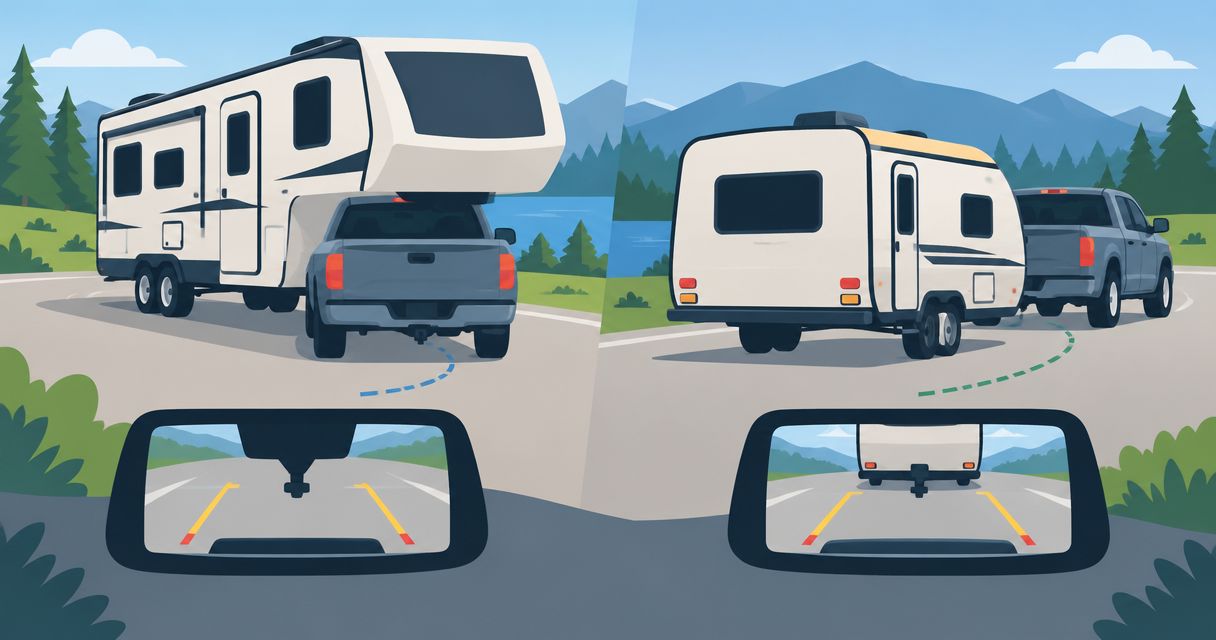
| Fifth wheel with a suitable work area | Buyers with a compatible truck who want to compare different living layouts | Offers another category of floorplans to inspect | Requires compatible truck, hitch, payload, and towing capacity |
| Used travel trailer with a planned office conversion | Buyers comfortable assessing condition and arranging modifications | Allows a workspace to be planned around an existing interior | Condition, attachment methods, wiring, and modification suitability need review |
There is no universal winner. A fifth wheel does not fix poor campsite internet, and an office conversion does not correct an overloaded tow vehicle. Evaluate the proposed RV as a complete setup.
Common mistakes digital nomads make
Treating campground Wi-Fi as a work plan
A Wi-Fi listing does not establish dependable meeting performance at your site. Test the actual connection and keep a fallback that meets your employer’s requirements. Do not schedule a critical call immediately after arriving somewhere untested.
Choosing a floorplan without using the chair
A photograph cannot show how your body and equipment fit the workspace. Sit down, open the laptop, position the monitor, and have someone walk past. Reject a layout that forces you to block access during every workday.
Calculating towing from unloaded trailer weight
Digital nomads carry both household belongings and work equipment. Calculate the traveling setup, including passengers and hitch load. Keep your vehicle-specific ratings visible throughout shopping rather than checking them after choosing the trailer.
Planning travel and meetings in the same time slot
Driving, parking, leveling, and connecting utilities are part of a move. Separate travel from important calls and allow time to test the new setup. A shorter driving route does not eliminate arrival tasks.
Ignoring daily living to gain an office
A desk is not a substitute for workable sleeping, cooking, laundry, and storage arrangements. For a 2026 full-time or seasonal plan, walk through an ordinary weekday and a rainy day indoors. Check how the space works when everyone is home.
FAQ
What are the best travel trailers for digital nomads?
The best travel trailers for digital nomads fit your loaded towing limits and provide a usable workspace, suitable power, and a workable internet plan. Test those requirements in the specific trailer rather than selecting by floorplan name alone.
Is a travel trailer or fifth wheel better for remote work?
Neither category is automatically better for remote work. Compare the actual workspace and living layout, then confirm that your truck and hitch meet the requirements of the loaded RV.
Can I work remotely using campground Wi-Fi?
Use campground Wi-Fi for work only after testing it at your site against your work requirements. Keep an independent fallback for meetings or tasks that cannot wait for a connection to recover.
Do digital nomads need solar panels on a travel trailer?
Solar panels are not a prerequisite for remote work in a travel trailer. Start with your electrical loads and intended access to shore power, then have a qualified technician assess any battery, inverter, or solar changes.
Should I buy a new or used travel trailer for full-time work?
Choose new or used by condition, workspace fit, towing compatibility, and ownership terms. Inspect the systems and confirm that manufacturer documentation and insurance terms support your intended use.
Can I turn a bunk room into an RV office?
Treat a bunk-room office conversion as a modification that needs assessment before work begins. Check furniture attachment, wiring, ventilation, weight distribution, and the effect on access and storage.
How do I compare financing for a digital nomad RV?
Compare written financing disclosures, including the loan term, interest rate, fees, and total repayment. Include insurance, campsites, connectivity, and maintenance in your ownership plan; approval is not guaranteed.
One last thing
Test the trailer in travel mode, not only with everything opened at the campsite. Retract the slide-outs during the walkthrough and check whether you can reach essential equipment, clothing, and the areas you expect to use during stops. An office that works beautifully when parked still needs a safe, practical packing routine.